
Select photos
Bring in images from Photos, or pick files and folders inside the app.
PicsDone gives you modular processing steps — compress, convert, resize, rename, remove backgrounds, watermark, make PDFs or ZIPs. Combine them into a flow, save it as a template, and reuse it whenever you need. All on your iPhone, nothing uploaded.

Each processing step is an independent module: pick what you need, adjust parameters, reorder freely. When the flow feels right, save it as a template for next time.
Bring in images from Photos, or pick files and folders inside the app.
Pick from a set of modular steps — convert, compress, resize, rename, and more. Adjust each one, drag to reorder.
Check file size, order, names, and format before you run the export.
Built-in templates come with steps pre-configured for common jobs — pick one and export. Your own flows can be saved as templates too, so repeat work stays effortless.
Shrink whole batches into small JPGs that send smoothly through email, chat, and upload forms.
Square, resized JPGs ready for eBay, Facebook Marketplace, and similar apps - with location data removed.
Combine receipts, paperwork, or screenshots into one A4 PDF, in order.
Turn many images into one organized ZIP with consistent names for sharing.
Crop to a 2x2 inch square and switch the background to plain white for photo uploads.
The 35x45 mm ID format on a white background, sized for visa and ID applications.
Your flow, your template. Save any assembly as a reusable template and build your own toolkit over time.

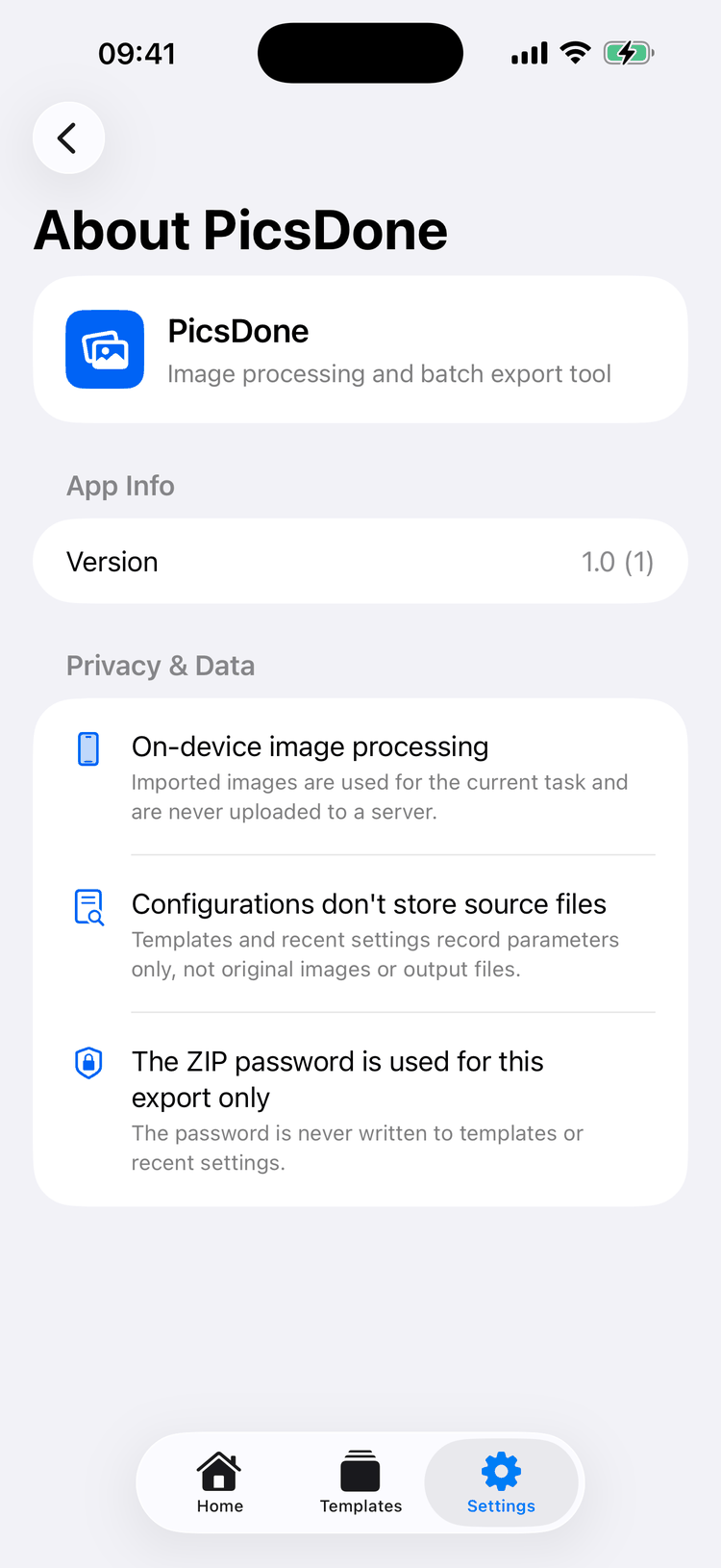
PicsDone is built around local image processing. Receipts, homework, documents, product shots, and personal photos get ready on your iPhone - not on someone's server.
Modular steps, reusable flows. Focused on the practical jobs people do again and again on iPhone.
Compress to a target size, convert HEIC/JPG/PNG, resize the long edge, and adapt aspect ratios.
Rename batches in order, then export image sets, PDFs, or ZIP files - with an optional ZIP password.
Add, remove, and reorder steps freely. Different tasks get different flows — no fixed pipeline.
Save any flow as a template and reuse it with a tap. Export to Photos, Files, or the share sheet when done.
Download PicsDone for iPhone and get your next batch of photos ready to send.